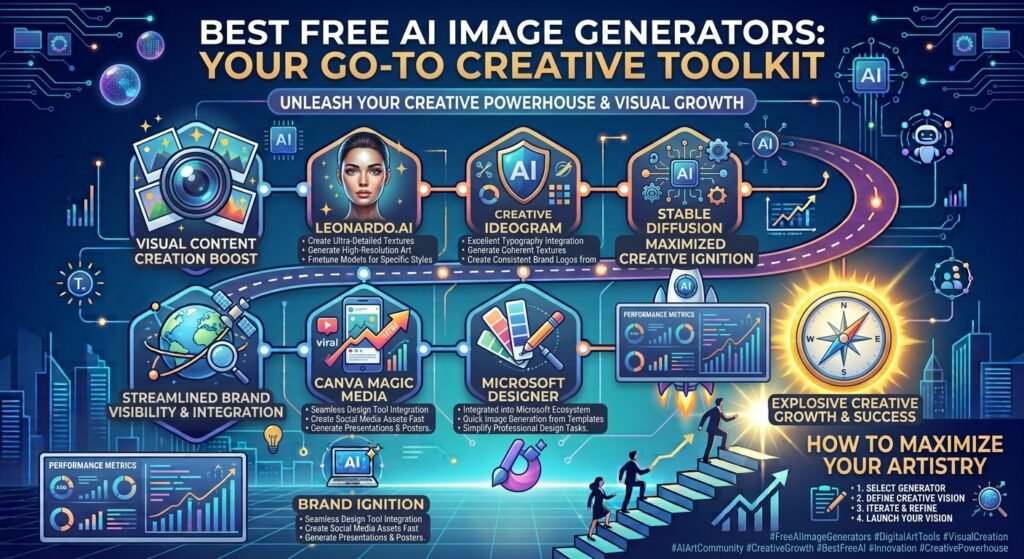
You do not need a massive design budget to create stunning visuals for your brand today. The best free ai image generators allow you to turn simple text prompts into professional graphics in seconds. This means you can design blog headers, social media posts, and marketing materials without hiring an expensive illustrator.
Many small business owners struggle to find high-quality, unique images that fit their brand. Stock photos often look generic and fake. Using the best free ai image generators solves this problem by giving you unique, custom graphics tailored to your exact needs. Let us explore the top tools you can use right now.
How AI Image Generators Help Your Business
Visual content drives digital marketing success. According to search industry studies, articles with images get 94% more total views than those without. Creating these visuals used to take hours of manual work or cost hundreds of dollars in licensing fees.
Now, artificial intelligence makes this process instant. You type a description of what you want, and the tool builds it. By choosing the best free ai image generators, you save both time and money. You can test different marketing concepts quickly. If an ad graphic does not work, you can generate a new one in minutes. This speed gives your small business a massive advantage in a crowded market. You can link your branding efforts with platforms like Google to find trending topics, then create matching visuals instantly.
Deep Dive into the Best Free AI Image Generators
Let us look at the top platforms available today. Each tool has unique strengths, so the right choice depends on your specific business goals.
Microsoft Copilot Designer
Microsoft Copilot Designer is one of the best free ai image generators for daily business use. This tool uses OpenAI’s powerful DALL-E 3 technology behind the scenes. It creates highly accurate, detailed images based on your text prompts.
The tool is completely free to use if you have a Microsoft account. You get 15 “boosts” per day, which make your images generate faster. Even when you run out of boosts, the tool still works, just at a slower pace. Copilot Designer is excellent at rendering text inside images, which is a common struggle for other tools. This makes it perfect for creating social media posts with quotes or simple headings.
Canva AI (Magic Media)
Canva is already a favorite tool for many small business owners. Its built-in AI tool, Magic Media, makes it one of the best free ai image generators for marketing. You can generate an image and immediately drop it into a flyer, presentation, or social post.
The free tier of Canva gives you a set number of lifetime credits to generate images. The interface is highly user-friendly and clean. You do not need any technical skills to get started. You can choose from various styles like playful, watercolor, or photo. This integration with design templates makes Canva a highly practical choice for busy business owners.
Adobe Firefly
Adobe is a giant in the creative industry, and Firefly is their entry into AI generation. It ranks among the best free ai image generators because it focuses on safe commercial use. Adobe trained this AI model on public domain images and licensed content.
This training means you can use the generated images for your business with less legal worry. The free plan gives you 25 generative credits per month. Firefly offers an easy-to-use control panel. You can adjust the aspect ratio, style, color, and lighting with simple clicks. You do not have to write complex prompts to get the look you want.
Craiyon
If you want a tool with no sign-up requirements, Craiyon is a great option. It is one of the best free ai image generators for quick brainstorming sessions. You can generate unlimited images without spending a dime or creating an account.
The tool displays ads on the free version, and the images take about a minute to load. The quality is sometimes lower than Microsoft Copilot, but it is excellent for generating abstract ideas. You can use these raw concepts to inspire your final designs. Craiyon also suggests words to improve your prompts, which helps you learn how to write better descriptions.
Hugging Face Stable Diffusion
For those who want more control, Hugging Face offers free access to Stable Diffusion models. This platform is one of the best free ai image generators for tech-savvy business owners. It is an open-source tool, meaning the code is free for anyone to use and modify.
You can find various versions of Stable Diffusion on the site. These models allow you to create realistic photos, digital art, and detailed graphics. The learning curve is slightly steeper than Canva or Copilot. However, the level of customization is unmatched in the free space. You can read more about open-source technology on Wikipedia to understand how these community-driven models work.
Comparison of Top Free AI Image Generators
To help you choose, here is a quick comparison of the best free ai image generators we discussed.
| Tool Name | Free Credits | Key Strength | Best For |
|---|---|---|---|
| Microsoft Copilot Designer | 15 daily boosts (unlimited slow generates) | Excellent text rendering and detail | Social media posts and detailed graphics |
| Canva Magic Media | Limited lifetime credits on free tier | Seamless integration with design templates | Quick marketing flyers and presentations |
| Adobe Firefly | 25 monthly credits | Ethical training data and commercial safety | Business branding and product mockups |
| Craiyon | Unlimited (ad-supported) | No sign-up required, very easy to use | Fast brainstorming and concept testing |
| Stable Diffusion (Hugging Face) | Unlimited free runs | High customization and realistic style options | Tech-savvy users wanting complete control |
Practical Tips for Writing Great Prompts
Getting great results from the best free ai image generators requires clear communication. The AI cannot read your mind, so you must write specific instructions. Think of the AI as a helpful, beginner designer who needs clear guidance.
- Start with the subject: Clearly state the main focus, such as “a brown leather office chair” instead of just “a chair.”
- Add environmental details: Describe the background, like “in a bright, modern office with green plants.”
- Define the style and lighting: Use descriptive words like “natural sunlight,” “warm studio lighting,” or “minimalist design.”
- Specify the camera angle: Use terms like “close-up shot” or “eye-level view” to keep the composition clean.
Avoid using vague words like “photorealistic” or “high quality.” Instead, describe the actual details you want to see. This approach gets the most out of the best free ai image generators. With a little practice, your prompts will yield amazing results every time.
Understanding Licensing and Business Use
Before you publish your new graphics, you must understand the rules. Not all of the best free ai image generators allow you to use their creations for commercial purposes. You must read the terms of service for each tool carefully.
For instance, Adobe Firefly is designed to be safe for commercial use. Other tools on our list may restrict free-tier images to personal use only. If you use a graphic on a product you sell, the rules are much stricter than if you use it on a free blog post.
According to data trends on Statista, commercial AI usage is rising fast, but legal frameworks are still developing. Always keep a record of which tool you used to create your graphics. This documentation helps protect your business if copyright questions arise in the future. When in doubt, stick to tools that explicitly state their free tier allows commercial projects.
How to Integrate AI Images Into Your Workflow
You do not need to replace your entire creative process with AI. The smartest way to use the best free ai image generators is to integrate them into your existing workflow. Use them to speed up tasks that used to take hours.
For example, you can use AI to create quick placeholders during website design. This allows you to see how a page looks before buying expensive stock assets. You can also use AI to brainstorm different color palettes or layouts for your brand.
Another great method is creating social media content in batches. Spend one hour generating images for the next two weeks. This keeps your social feeds active and engaging without pulling you away from running your business. The best free ai image generators should save you time, not create extra work.
Common Pitfalls to Avoid
While AI tools are powerful, they are not perfect. You will occasionally see errors in the generated graphics. The most common issues involve human hands, eyes, and text.
Always inspect your generated images closely before publishing them. Look for extra fingers, distorted faces, or weirdly floating objects. If an image has a small error, you can often crop it out or edit it using a free editor like Canva.
Do not rely on AI to write complex text within your images. Even the best free ai image generators can spell words wrong or distort letters. It is usually better to generate a clean background image first. Then, add your text on top using standard design software. This simple step ensures your marketing materials look professional and are easy to read.
Frequently Asked Questions
Are AI-generated images free to use for commercial projects?
It depends entirely on the tool you use. Some platforms allow commercial use on their free plans, while others require a paid subscription for business rights. Always read the terms of service of your chosen platform to ensure you comply with their licensing rules.
Do I need design experience to use these tools?
No, you do not need any professional design experience. The best free ai image generators work with natural language prompts. You simply type what you want to see in plain English. The software handles all the complex artistic work for you.
Why do some AI images look distorted or weird?
AI models generate images by predicting patterns based on their training data. Sometimes, they struggle with complex shapes like human hands, limbs, or text characters. You can fix this by rewriting your prompt to be simpler or by using editing tools to clean up the final image.
How do I write the best prompt for an AI image generator?
Be specific and detailed. Describe the main subject, the background environment, the lighting style, and the overall mood. Avoid vague quality words and instead focus on concrete descriptions. The more detail you provide, the closer the result will be to your vision.
Can I edit the images after they are generated?
Yes, you can edit them. Many business owners import their AI images into tools like Canva or Photoshop. This allows you to add text, apply brand colors, crop out errors, or combine multiple graphics into a cohesive final design.
Last updated: August 23, 2026
[Author Bio: Add author name, credentials, and relevant expertise here before publishing.]
Have questions or ready to get started? Get in touch with our team.